Tavolify POS for Android
For Android tablets and Sunmi terminals with Android 7.0 or newer.
Download APK- Version
- 1.4.3
- Size
- 3.3 MB
- File
- tavolify-pos-1.4.3.apk
- SHA-256
- 99a1c77532c2b944b6c4f43310a596b7121389723cdf6336562e65014bced643
Download
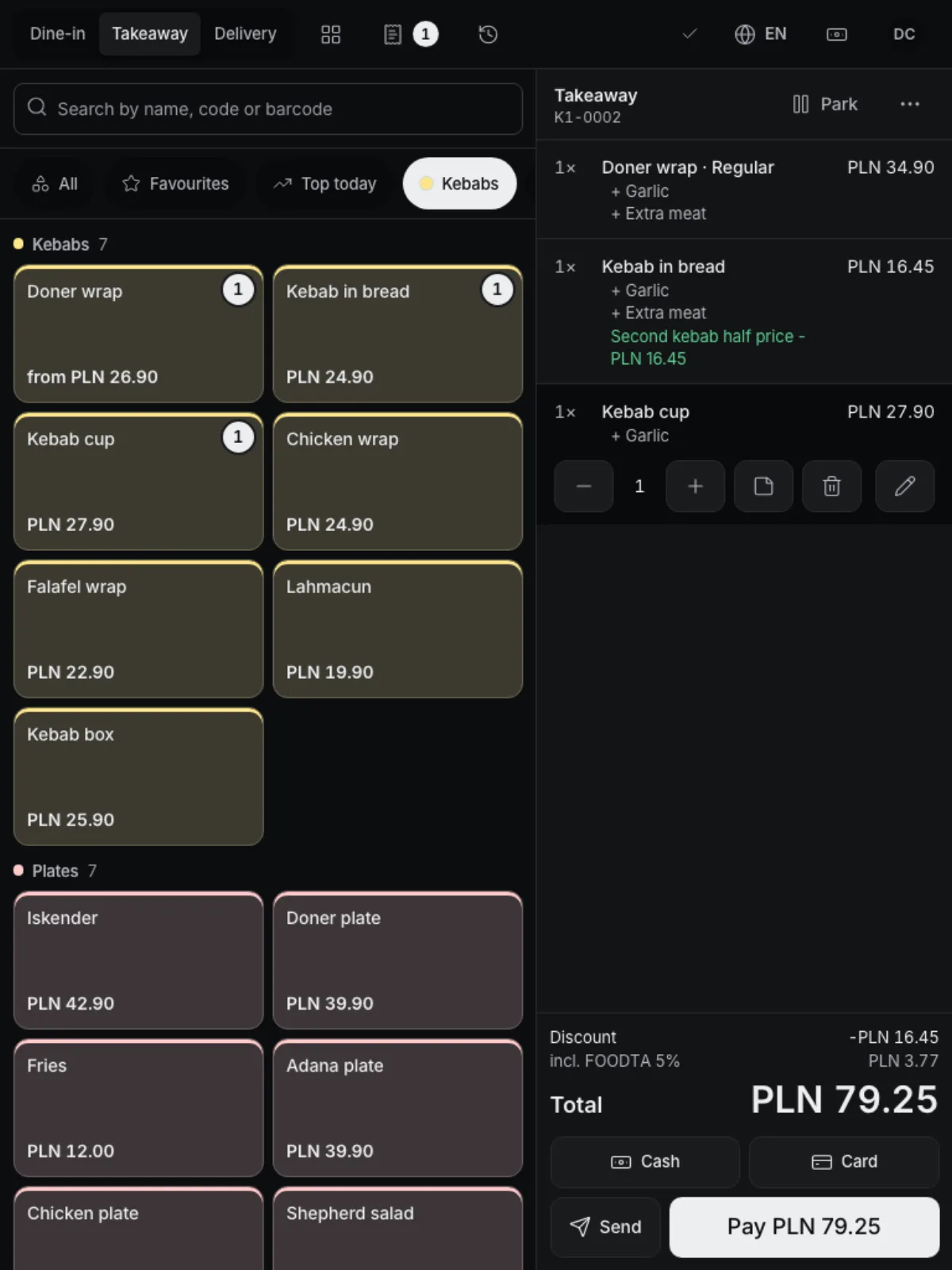
The POS, kitchen display and kiosk run in the browser on any computer or tablet. On Android tablets and Sunmi terminals, install our app: it also prints on the built-in printer.
For Android tablets and Sunmi terminals with Android 7.0 or newer.
Download APKNothing to install: open tavolify.com/device in the browser and pair the device with a code.
The browser prints on any printer the computer knows.
Open this page in the browser of the tablet or terminal and tap Download APK. You can also copy the file with a USB cable.
Open the downloaded file. Android asks once whether the browser (or file manager) may install apps: tap Settings, switch on “Allow from this source”, go back and tap Install.
On first start the app shows its languages. Tap yours; you can change it later in the app settings.
In the admin panel open Devices → Pair a device. Type the 6-digit code in the app or scan the QR code with the camera; there is no address to type. Staff then sign in with their PIN.
On Sunmi terminals the app prints on the built-in printer; on other tablets it prints on a paired Bluetooth receipt printer. Updates arrive by themselves: the app downloads each new version, checks it and asks staff to confirm the install when no one is selling. The pairing stays.
Create an account, add your menu and connect your hardware. Or we show you the system with your own menu.
Free trial, no card needed.