Hardware
Works on the hardware you already have.
The till, the kitchen screen and the order board open in a browser. On Android the app prints on the built-in or a Bluetooth printer, and fiscal printers connect over the network or USB.
Printing
Receipts, kitchen tickets and fiscal printers.
On Sunmi and other Android devices the till prints through the app, on the built-in printer or a paired Bluetooth printer. On a computer, browser printing works with any printer the system knows. Elzab, Novitus and Posnet fiscal printers connect to the Android app over the network or USB, and to a computer through Print Bridge.
- Built-in Sunmi printer
- Bluetooth printers
- Browser printing
- Elzab, Novitus, Posnet
At the counter
Scanner, scale and customer display.
A USB or Bluetooth barcode scanner works straight away, like a keyboard. Without one, the device camera reads codes in browsers that support it. Scales with a serial or network port connect through Print Bridge, and the till recognises label-scale barcodes by itself. A second screen shows guests their bill, and pictures or videos in between.
- USB and Bluetooth scanners
- Camera scanning
- Scales via Print Bridge
- Customer display
Android app
A till that behaves like an app.
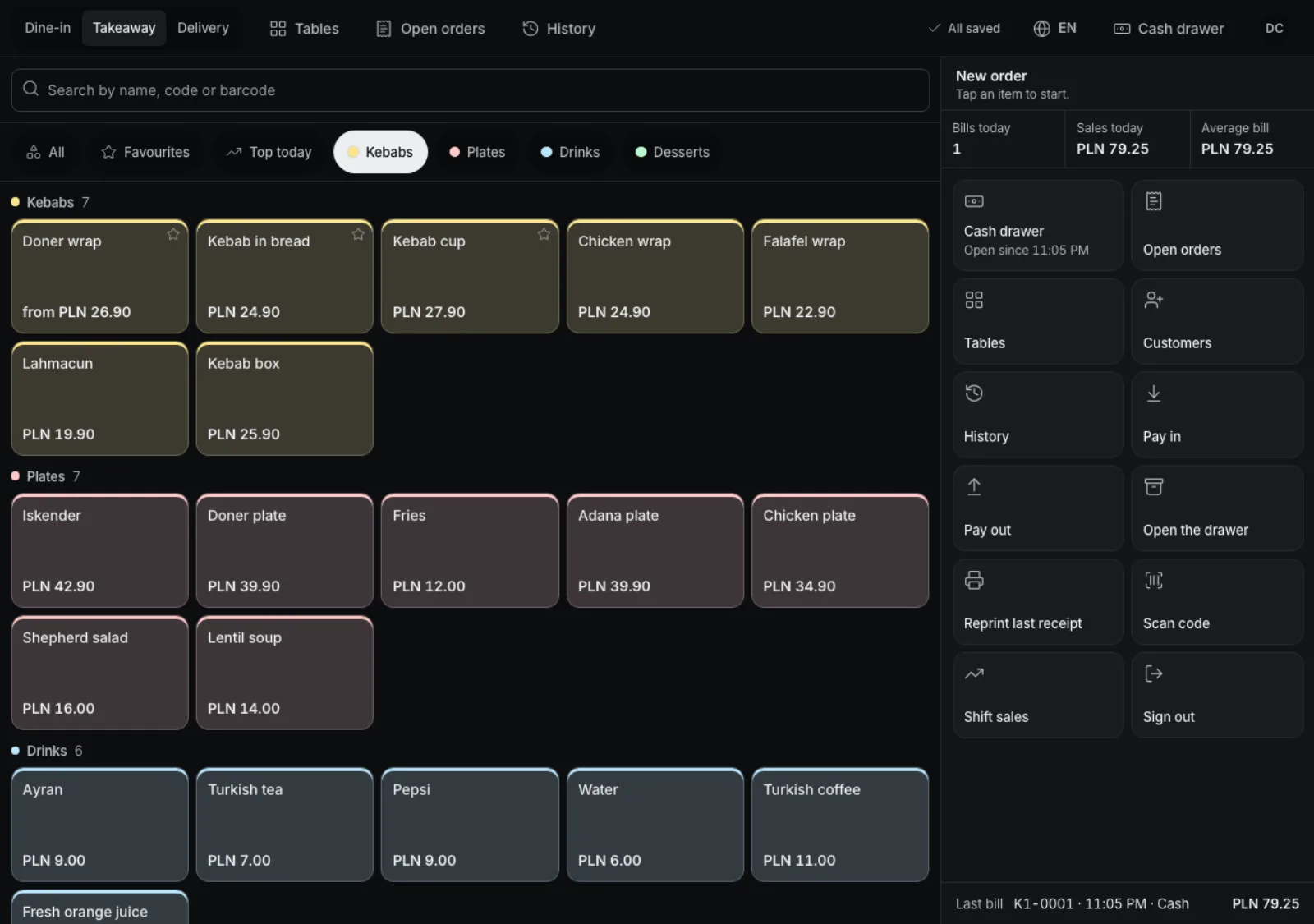
The till runs in the browser on computers, tablets and phones. On Android tablets and Sunmi terminals you install our app from our site and pair it with a code from the admin. It prints on the built-in Sunmi printer, over Bluetooth, USB and the network, the fiscal printer included, and updates itself. The back button goes back inside the till and closes the window on top, and the app closes only on a second press.
- Download from our site
- Pairing with a code
- USB, network, Bluetooth
- Protected back button
Everything next to the till.
-
Card on any terminal
Enter the amount on the terminal and the till records a card payment. Integrators get an open terminal API.
-
Kitchen screen and order board
Any TV or monitor with a browser shows kitchen orders or the numbers ready for pickup.
-
Printing without internet
Receipts and kitchen tickets keep printing when the internet is down.
-
Several printers
Separate printers for receipts, kitchen and bar; each till picks its own.
-
Local characters on paper
The right code page for Polish, Turkish and Cyrillic, and Arabic printed as an image.
-
Download from our site
Get the Android app from our site with step-by-step install instructions; after that it updates itself.
Works well with
Run your venue on Tavolify this week.
Create an account, add your menu and connect your hardware. Or we show you the system with your own menu.
Free trial, no card needed.