Switching systems
Bring everything you already have.
You export files from your old system, and Tavolify shows what it will bring over. Nothing is saved until you confirm.
Files
CSV or XLSX from any system.
Pick your old system and upload its export files. Columns are recognised by their names in several languages, and the encoding and separator are detected for you. For an unusual file AI can help, and you can always correct the column mapping by hand. Before the import you see record counts and problems with row numbers.
- CSV and XLSX
- Column mapping
- Problems with row numbers
- AI help for unusual files
Sales history
Old months in your new reports.
The preview shows sales month by month so you can compare them with the old system. After the import the history appears in reports as bills with their old numbers, the same amounts and VAT. It is never fiscalised again and cannot be changed, and if something does not match, you undo it with one button.
- Sales month by month
- Old bill numbers
- Read-only
- Undo the import
Customers and team
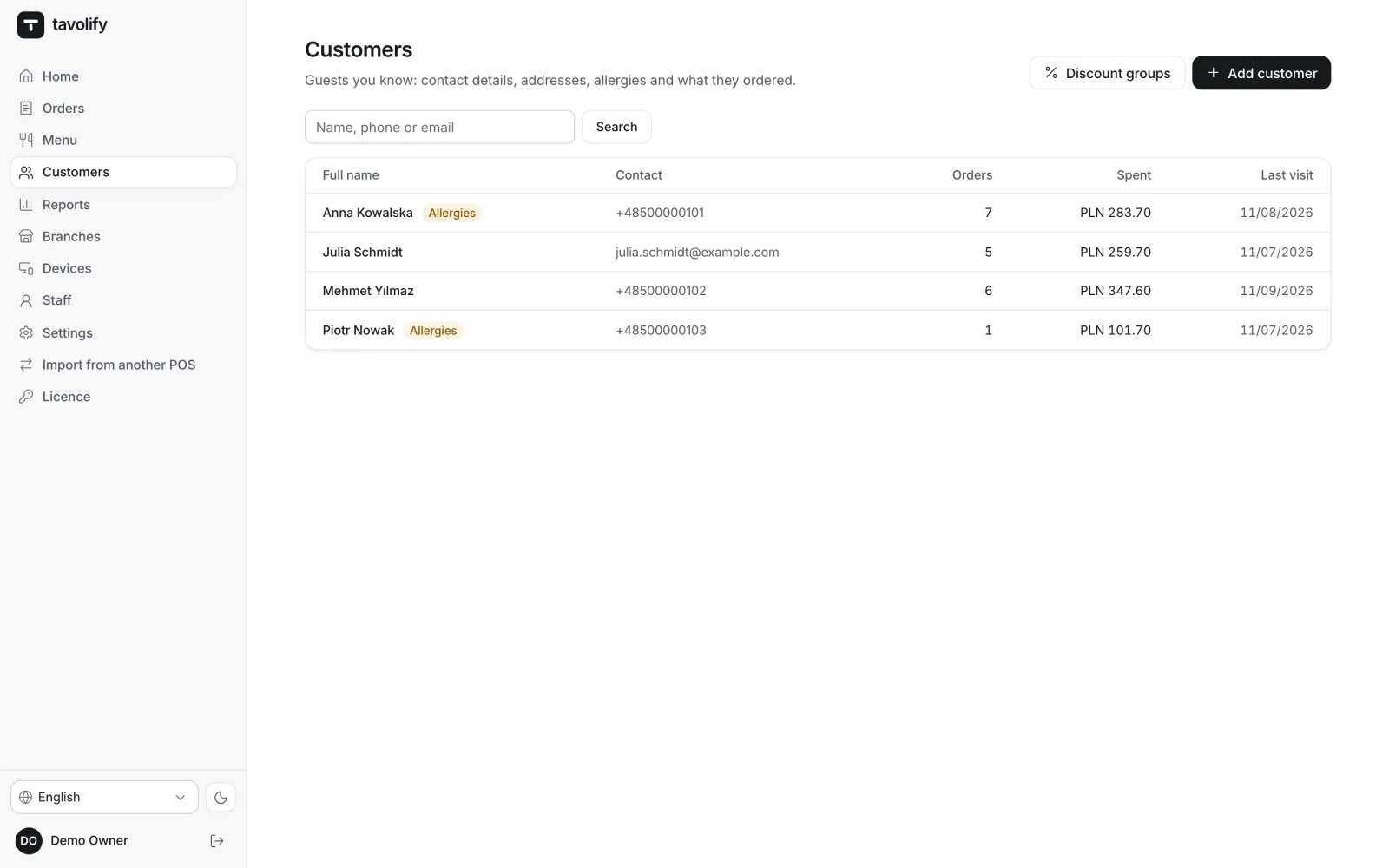
Customers, tables and staff too.
Customers come over with their contact details, and points and prepaid balances show on their profile. Marketing consent comes over only when the file contains it. Staff are matched to existing accounts or created as new inactive accounts without a PIN. Existing items and customers are linked, never overwritten.
- Points and balance on the profile
- Consent only from the file
- Tables
- Nothing overwritten
A safe move.
-
No passwords needed
We never ask for the password to your old system.
-
Preview before saving
You map VAT rates, payment methods, branches and staff before anything is saved.
-
No duplicates
Importing the same files again recognises what was already brought over.
-
Large files step by step
A long import runs in short steps and can be resumed at any time.
-
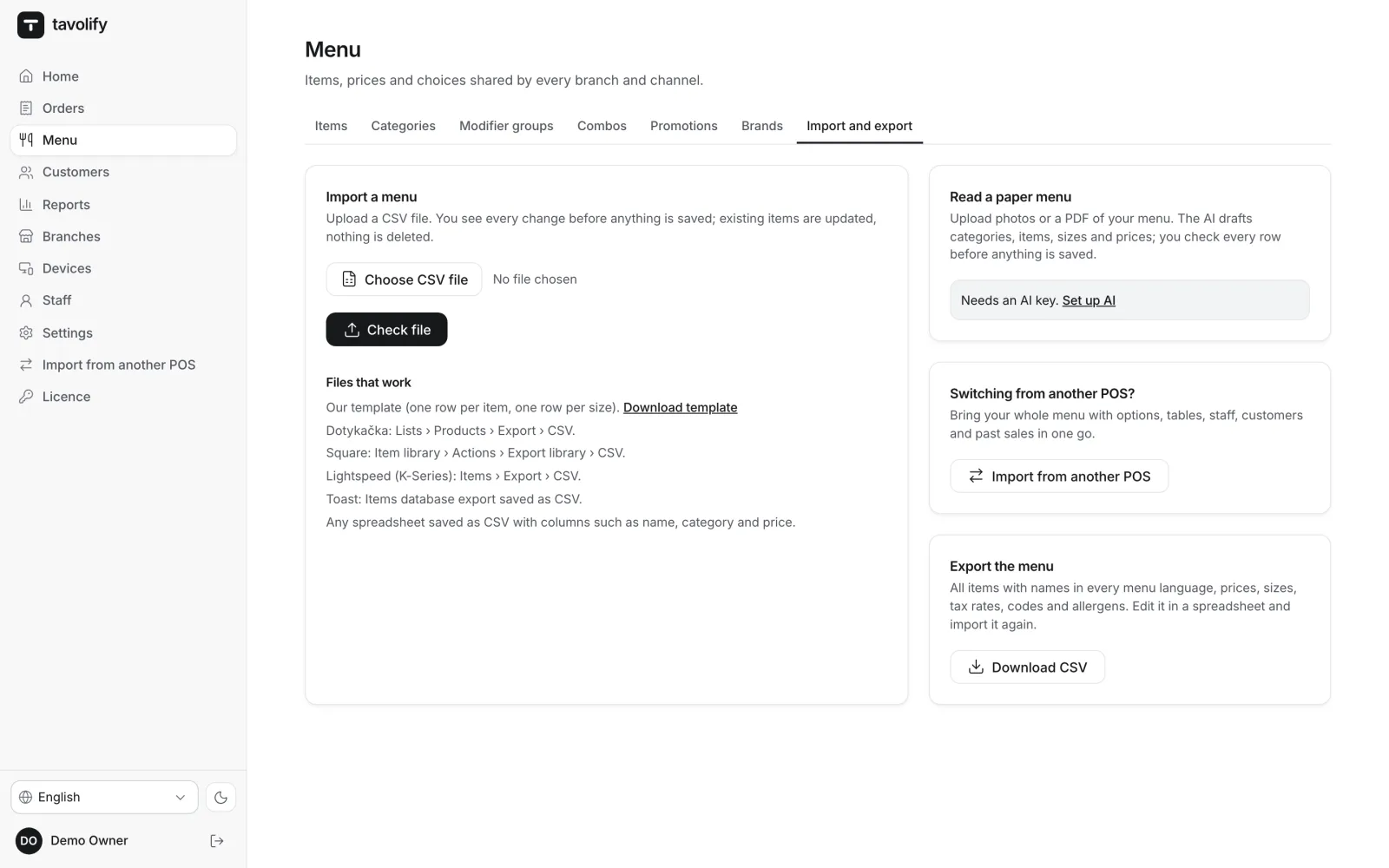
Or just the menu
Load a menu from a CSV file or photos of a paper menu, or start from a sample menu.
-
Loyalty balances
Points and prepaid balances from your old system show on each customer’s profile.
Works well with
Run your venue on Tavolify this week.
Create an account, add your menu and connect your hardware. Or we show you the system with your own menu.
Free trial, no card needed.