Tables and floor
The whole room on one screen.
Lay out the tables the way they really stand. The till shows at a glance where guests are sitting, for how long and who is asking for the bill.
Floor plan
Draw your room in minutes.
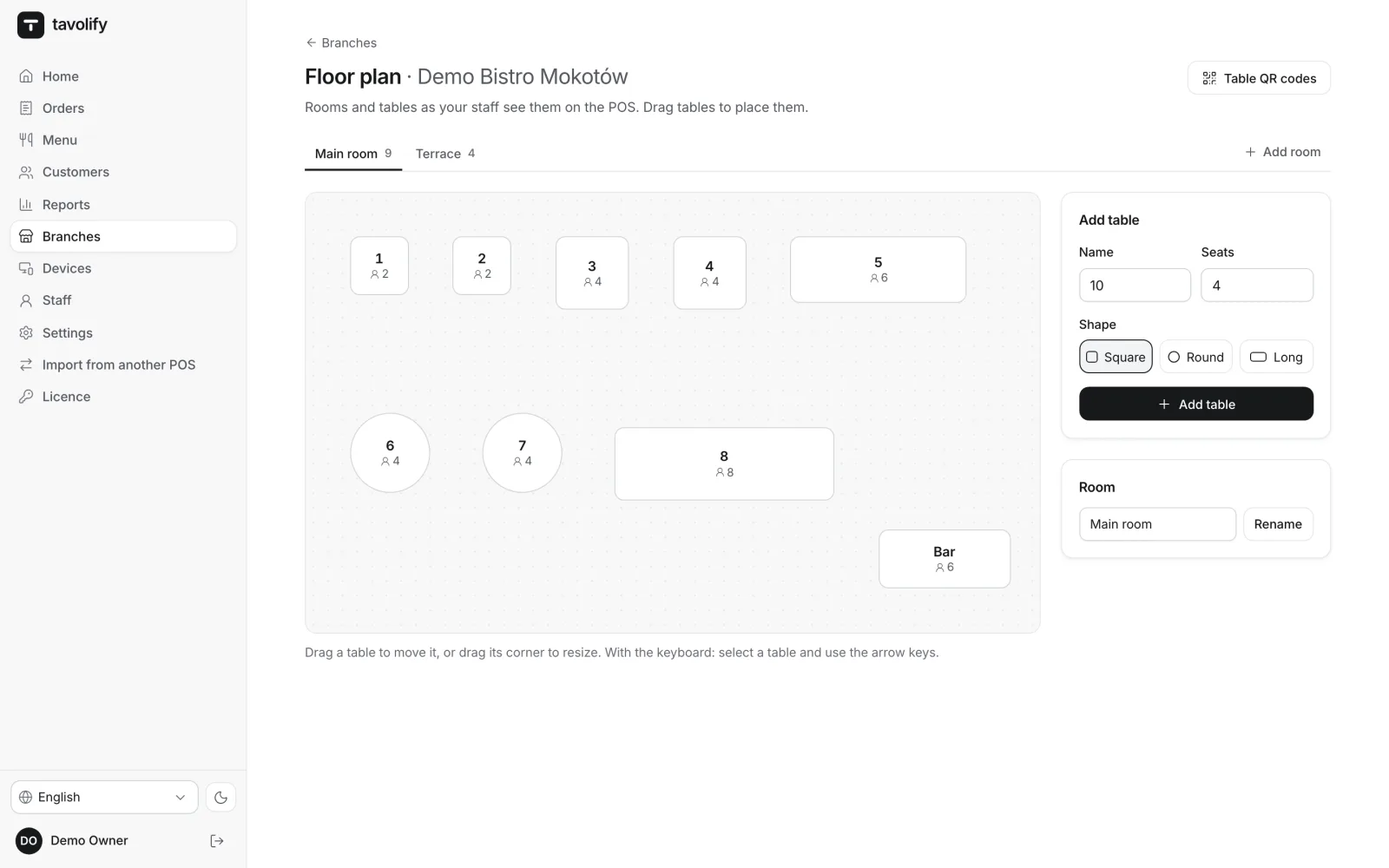
In the admin panel you drag tables, resize them and pick a shape: square, round or long. Each room has its own tab, for example the main room and the terrace. The same plan fits every screen, from a phone to a large monitor.
- Drag and drop
- Several rooms
- Seat counts
- Table shapes
The bill at the table
Everything a waiter needs.
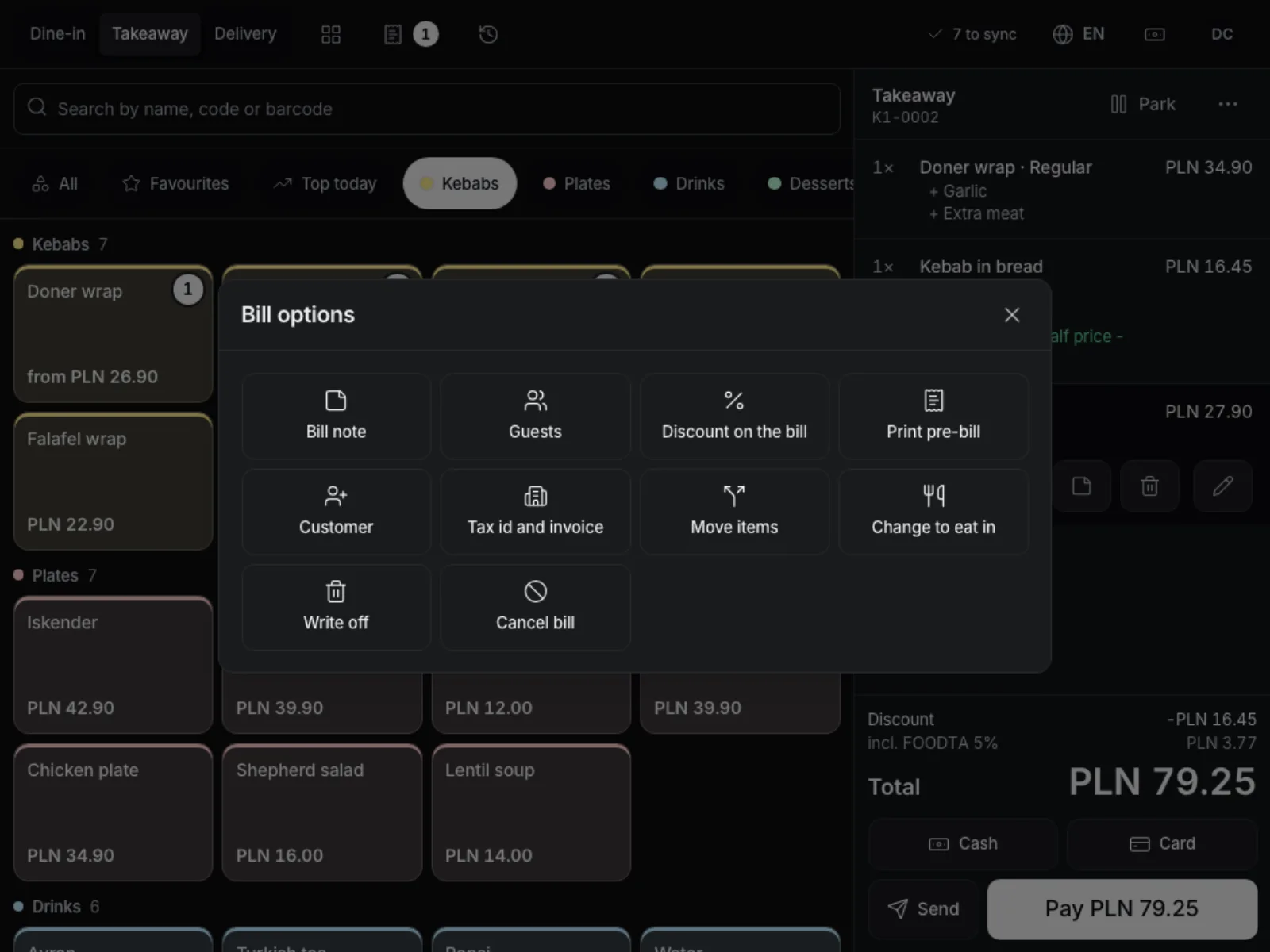
Number of guests, a bill note, discount, customer, tax number and invoice, a printed pre-bill. Move items to another bill, move the whole table or merge it with the next one. One table can hold several separate bills.
- Pre-bill
- Move items
- Merge tables
- Several bills
Courses
Starters now, mains later.
Every item can have a seat and a course. Named courses such as “Mains” can stay on the bill when the rest is sent. When the guests finish their starters, one tap sends the course to the kitchen with the heading “PREPARE NOW”.
- Seat numbers
- Named courses
- Hold a course
- Fire a course
The room under control all evening.
-
Colour by time
A table changes colour after the minutes you set, and the time is always shown as text too.
-
Calls from the QR menu
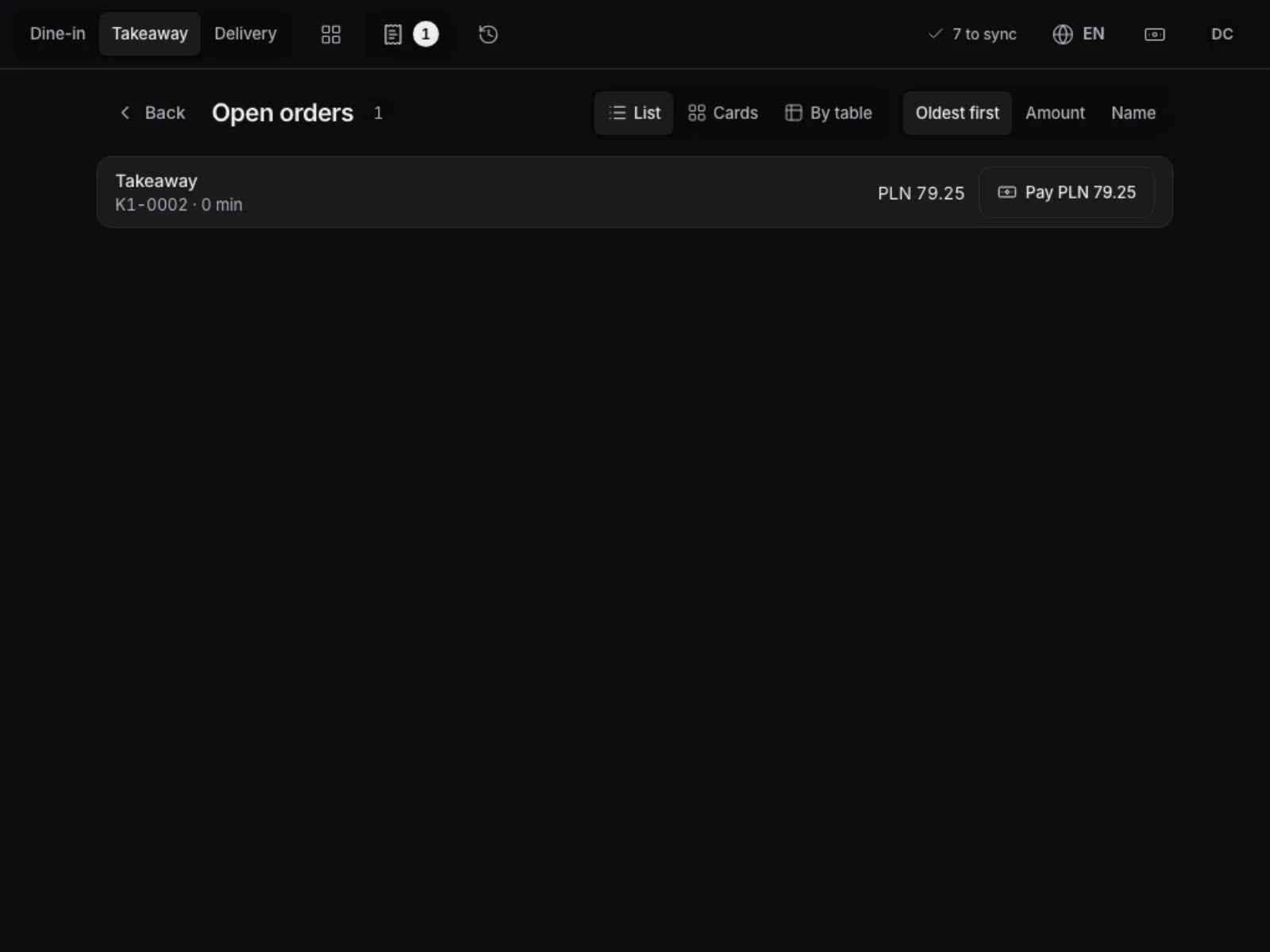
A guest calls the waiter or asks for the bill, and a badge appears on the table in the floor plan.
-
Cleaning status
When the last bill closes, the table goes to cleaning until someone marks it free.
-
Zoom the plan
The floor plan zooms in and out, from 60 to 160 percent.
-
Move and merge
Every table move and merge stays in the change history.
-
Split the bill
Into equal parts, by item or by any amounts, with mixed payments.
Works well with
Run your venue on Tavolify this week.
Create an account, add your menu and connect your hardware. Or we show you the system with your own menu.
Free trial, no card needed.