Payments
Payment without guesswork.
The amount due at the top, banknote buttons and the change worked out at once. Cash, card and vouchers can be combined on one bill.
Card terminals
One “Card” button. The terminal does the rest.
When the till has a terminal connected, the “Card” button sends the amount straight to the terminal, and the sale is recorded only once the terminal approves it. It works with PayTel, PolCard, Polskie ePłatności and eService terminals, and with Stripe Terminal, Adyen and Square in the cloud. Terminals in the restaurant network work without internet too.
- One “Card” button
- Polish terminals
- Stripe, Adyen, Square
- Offline in your network
After payment
Receipt, e-mail or invoice.
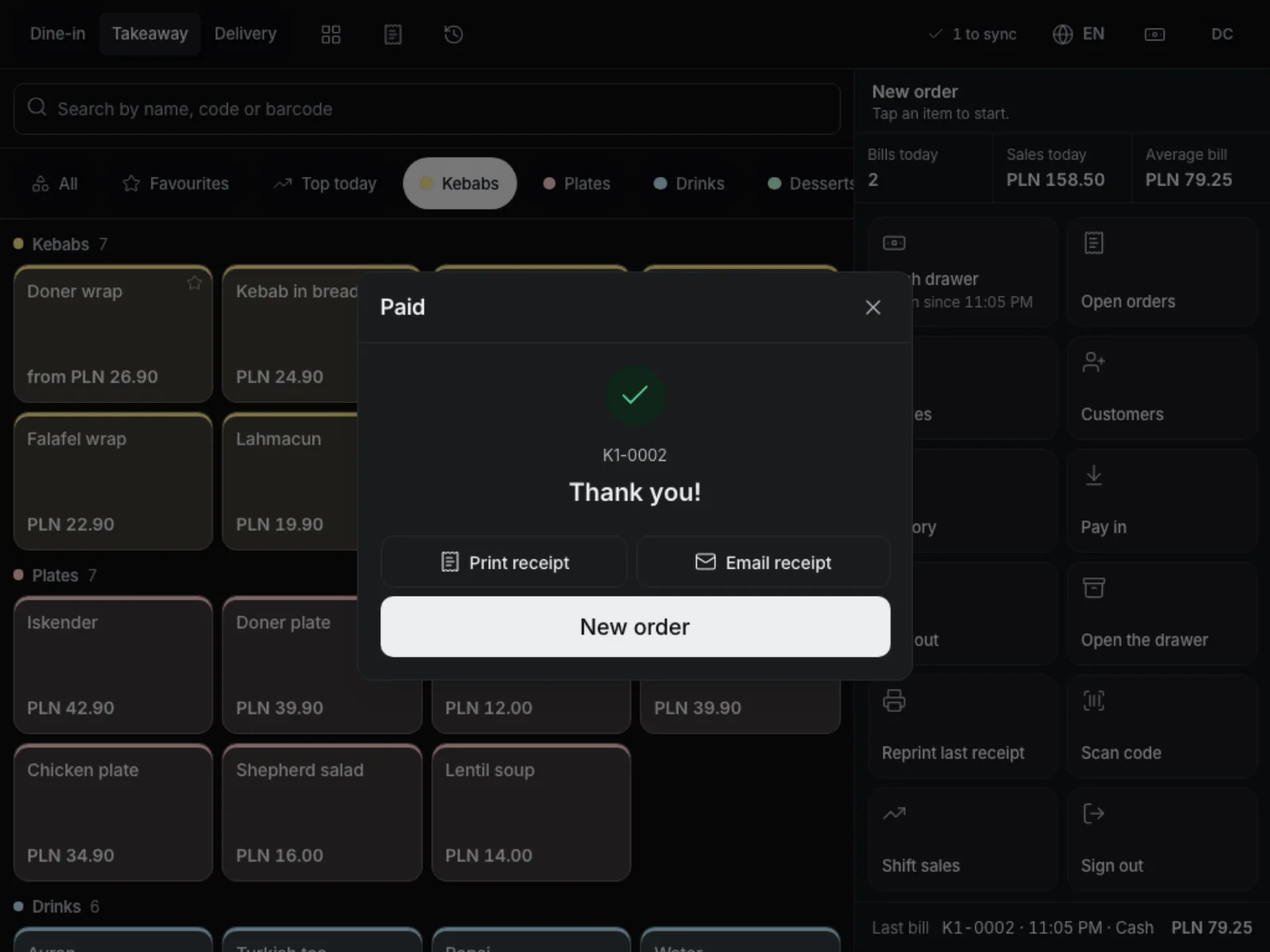
Print the receipt or e-mail it to the guest. When the guest gives a tax number, they get an invoice with that number, issued by the right company of your venue. The printout carries a QR code that opens the digital receipt.
- E-mail receipt
- Tax number and invoice
- QR code on the printout
- Quick confirmation
Refunds
One “Refund” button.
In History every paid bill has “Refund”. The big button refunds the whole bill: the receipt is cancelled, a card payment goes back through its terminal first and cash leaves the drawer. “Refund a part” asks only for the amount and the payment. Every refund is written to the returns register and a return slip prints with a signature line. The reason is optional unless the owner requires it. There you also change the payment method and add a tip later.
- The whole bill or a part
- Card back through the terminal
- Returns register
- Return slip
Every way of paying you will meet.
-
Your own payment methods
Cash, card, vouchers, meal vouchers, bank transfer and others, named in every language.
-
Tips
Suggested percentages on the payment screen; quick-pay buttons pay in one tap without a tip.
-
Splits and mixed payments
Equal parts, by item or any amount, each part with a different method.
-
Foreign currencies
Cash in euro or another currency at your rate, change in the local currency.
-
Bank transfer QR
A bank-transfer payment prints a transfer QR code on the receipt (Polish and SEPA standards).
-
When the terminal is silent
A manager can record the payment as card on any terminal; it stays in the change history.
Works well with
Run your venue on Tavolify this week.
Create an account, add your menu and connect your hardware. Or we show you the system with your own menu.
Free trial, no card needed.