Staff and permissions
Everyone sees what they need.
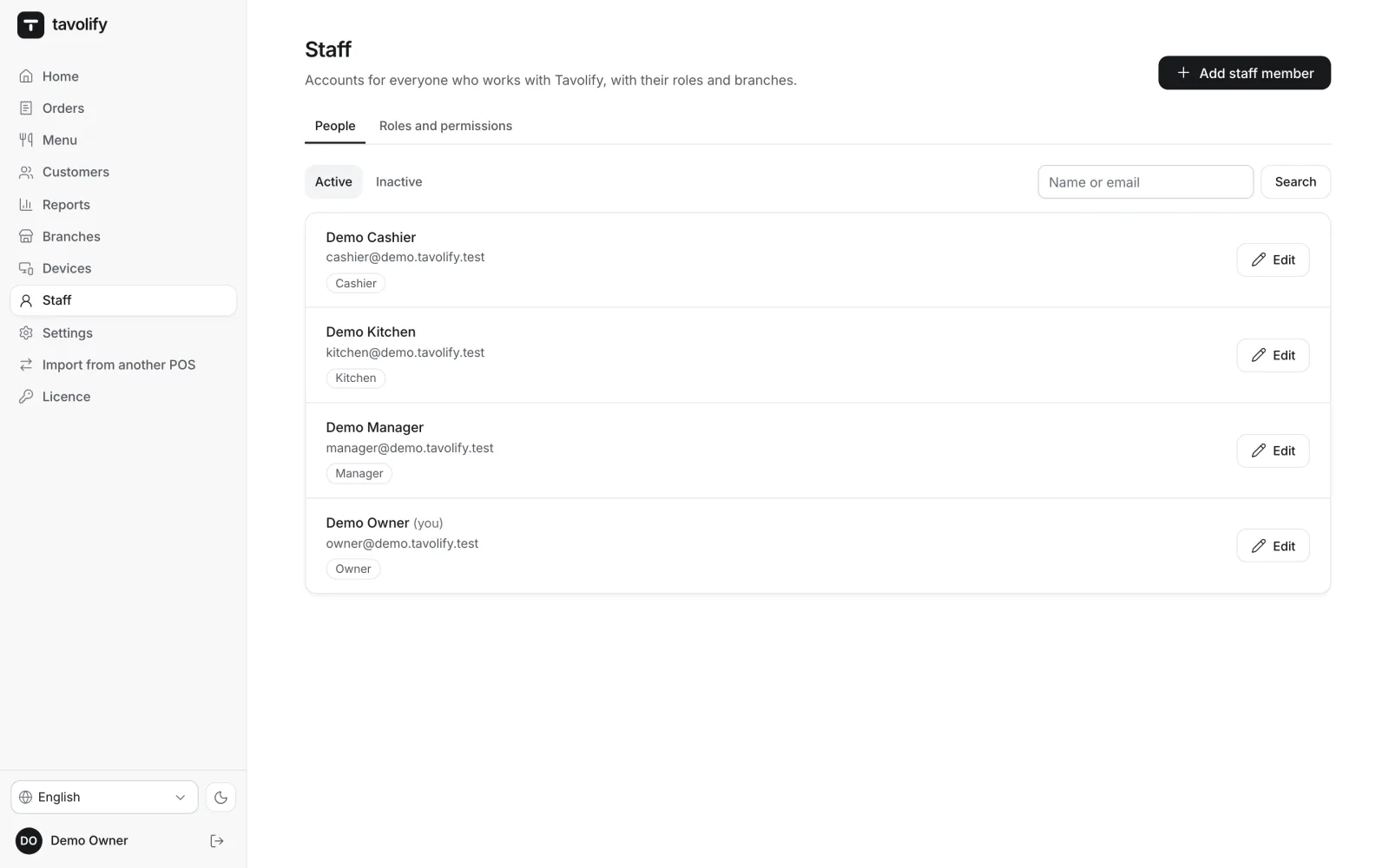
Cashiers sell, managers approve, owners see everything. Permissions are checked by the server, not just hidden on screen.
Roles
Permissions down to a single action.
You start with owner, manager, cashier, waiter and kitchen roles. Change any of them or add your own: voiding items, refunds, discounts, opening the drawer, open prices, reports. A role can apply to all branches or to just one.
- Five ready-made roles
- Your own roles
- Role per branch
- Discount limit per person
Sign-in
A PIN or a card, no passwords at the till.
Staff sign in on the till with a 4–6 digit PIN or a staff card read by a scanner. Simple PINs such as 1234 are refused, and after 5 wrong tries the till locks for 15 minutes. The till can sign people out after every payment or after a moment without a touch.
- 4–6 digit PIN
- Staff card
- Locks after 5 tries
- Automatic sign-out
Approvals
The manager approves on the spot.
When a cashier lacks a permission, for a refund, an open price or a bigger discount, a manager types their PIN on the same till. Voids, refunds, discounts and permission changes are recorded with the person, the time and the device.
- Manager PIN on the till
- Refunds and voids
- Discounts above the limit
- Full record of actions
A team that stays organised.
-
Time clock
Clock in and out on the till, and a report of everyone’s hours in the admin.
-
Discount limits
The highest discount per person and per category. Above the limit, a manager decides.
-
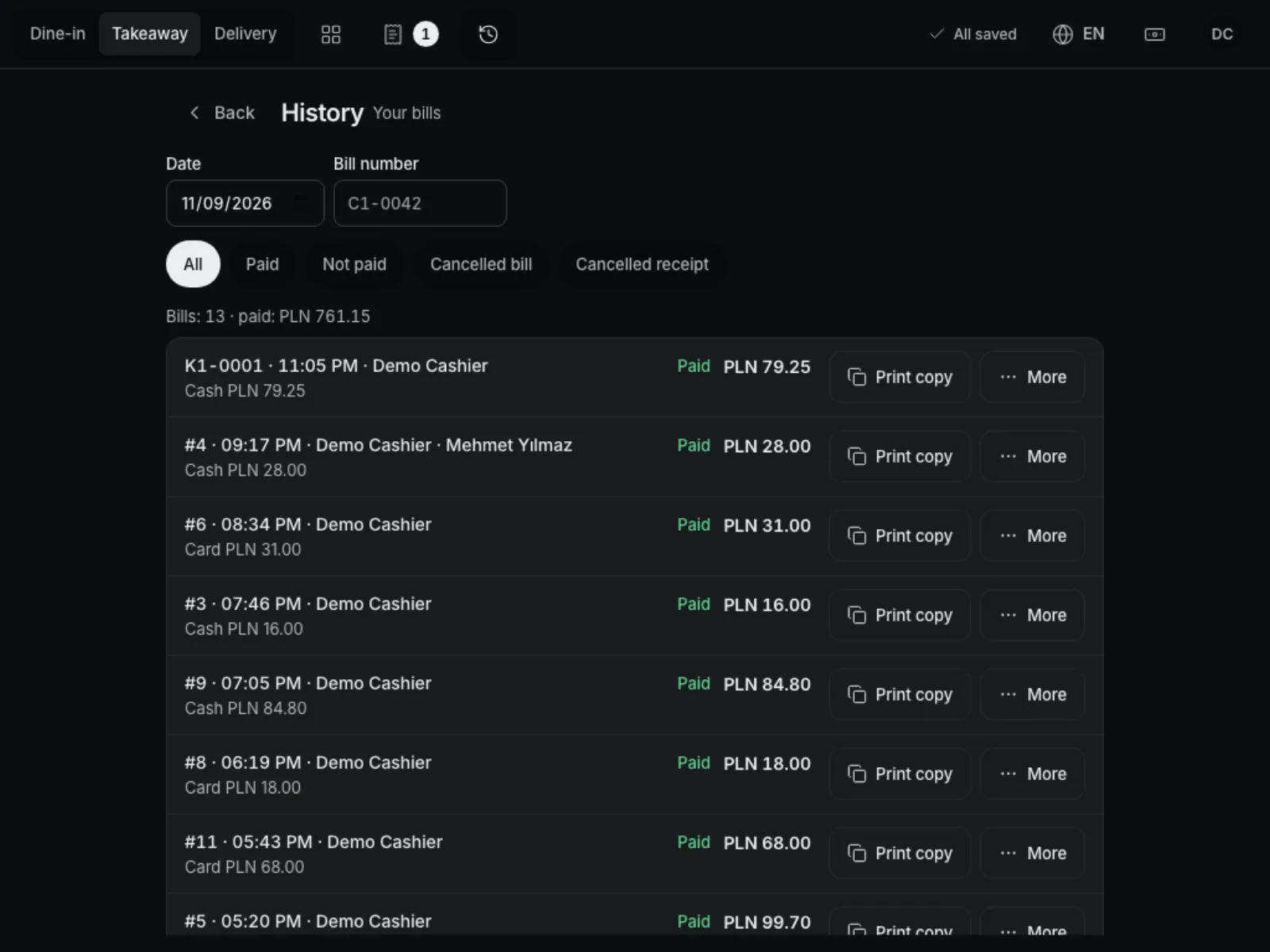
Only their own bills
A waiter can see only their own bills, and changing someone else’s needs a manager.
-
A language for each person
Everyone sets their own admin and till language.
-
Change history
Who changed a role or a permission, and when, stays in the log.
-
Accounts are never deleted
An inactive account cannot sign in, but its bills stay in the reports.
Works well with
Run your venue on Tavolify this week.
Create an account, add your menu and connect your hardware. Or we show you the system with your own menu.
Free trial, no card needed.