Menu and prices
Change it once, see it everywhere.
Items, prices and options are set in one place. The till, the QR menu, the online ordering page and kitchen tickets all use the same menu.
Items
Sizes, options and choice rules.
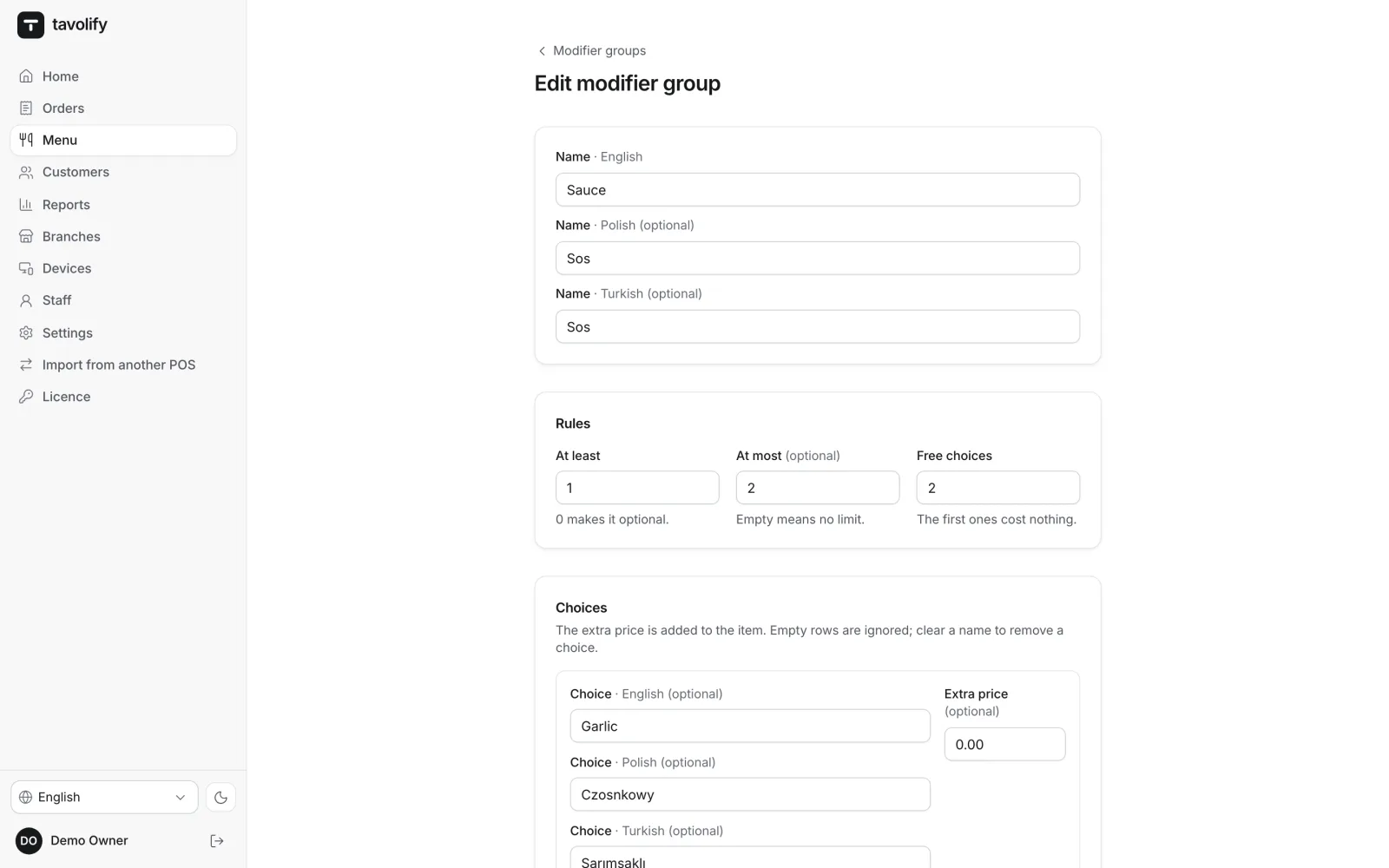
An item can have sizes with their own prices and option groups, such as a sauce or double meat. You set how many options must be picked, how many at most and how many are free. The same rules apply on the till, in the QR menu and online.
- Sizes and variants
- Minimum, maximum, free
- Combos with upgrades
- Separate ticket name
Prices and availability
One price for takeaway, another for delivery.
A price can depend on the order type and the branch. Availability hours show the breakfast menu only in the morning. “Sold out” set on the till takes the item off the QR menu and the ordering page.
- Prices by order type
- Branch prices
- Availability hours
- Sold out in one tap
Promotions
Happy hours and “second one half price”, worked out for you.
Percent or amount off, a special price at set hours, every second item cheaper, buy X get Y free, or money off above an order total. A promotion runs on chosen days, hours, branches and order types, and VAT is calculated after the discount.
- Happy hours
- Buy X, get Y free
- Every n-th item cheaper
- Money off above a total
Everything a menu needs.
-
Allergens and diets
The 14 EU allergens, diet marks and calories. Guests see them in the QR menu and online, the kitchen on the ticket.
-
Menu in several languages
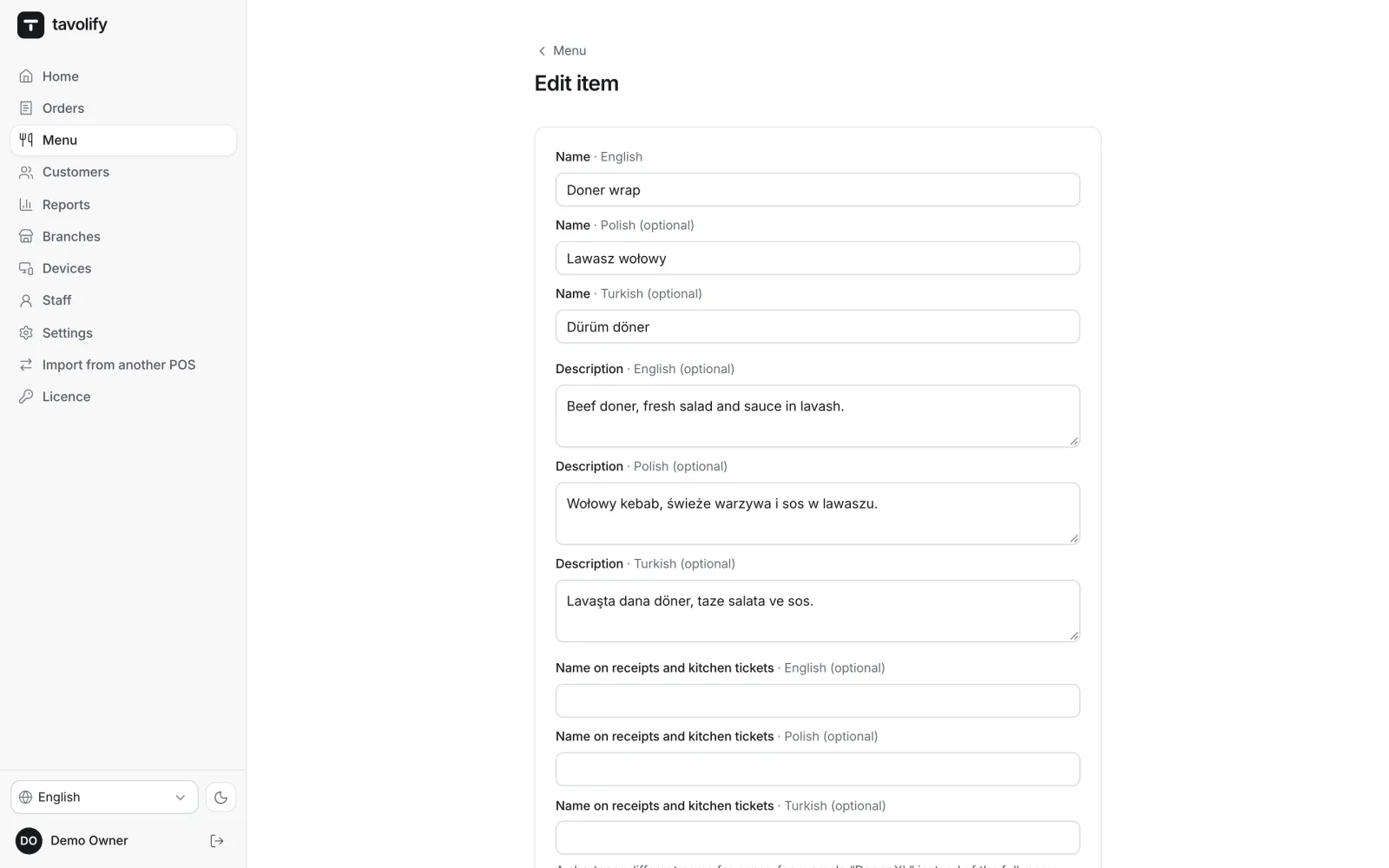
Names and descriptions in every menu language. Guests pick the language on their phone.
-
Item photos
On the till tiles, in the QR menu and on the ordering page.
-
Brands from one kitchen
Several brands with their own menu, prices and ordering page, run from one kitchen.
-
CSV import and export
Load a menu from a file and see the changes before saving. The export opens in any spreadsheet.
-
Menu from a photo
AI reads a paper menu from photos or a PDF, and you check every item before saving.
Works well with
Run your venue on Tavolify this week.
Create an account, add your menu and connect your hardware. Or we show you the system with your own menu.
Free trial, no card needed.