Offline mode
The internet is down. Sales are not.
Every bill, payment and change is saved on the device first. When the connection is back, the till sends everything to the server by itself, in order and without duplicates.
During the outage
Staff do not even need to notice.
The menu, prices, VAT rates, promotions, tables and staff are stored on the till. Staff sign in with their PIN, ring up bills and take cash or card on any terminal. The header only shows how many events are waiting to be sent.
- PIN sign-in
- Cash and card
- Events to send
- Language switch
Kitchen and receipts
The printers keep working.
The till sends kitchen tickets and fiscal receipts straight to the printers in the restaurant: the printer built into an Android terminal, a Bluetooth printer or the fiscal printer at the till computer. The kitchen screen needs the internet, so without it the kitchen works from printed tickets.
- Kitchen tickets
- Fiscal receipt
- Bluetooth printer
- Built-in printer
When the connection is back
Everything falls into place.
Events reach the server in the order they happened. Anything sent twice is skipped, so nothing is duplicated. A bill keeps the prices from the moment of sale, even if you changed the menu meanwhile. A table opened on two tills becomes one visit and is flagged for a manager to review.
- No duplicates
- Prices from the sale
- Conflicts to review
- Bill history
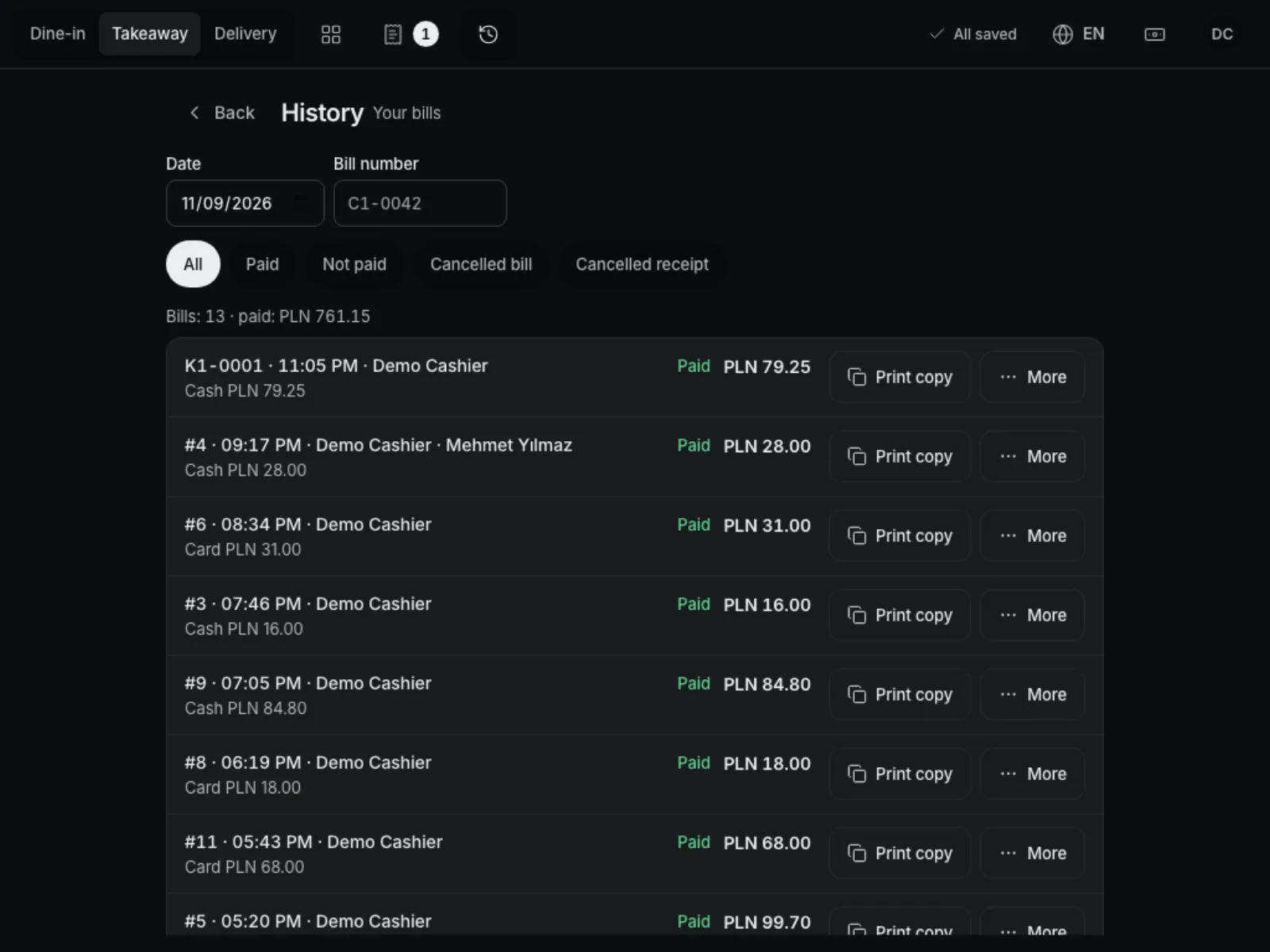
What works without internet.
-
Bills and tables
New bills, options, discounts, parked bills and the floor plan, as usual.
-
Cash and the drawer
Cash payments with change, pay-ins and pay-outs from the drawer.
-
Card on any terminal
A card payment is recorded as card on the terminal standing next to the till.
-
Receipts and kitchen
The fiscal receipt and kitchen tickets print in the restaurant, without the server.
-
Recent customers
The till remembers the 50 most recent customers and can add a new one, matched later.
-
Each person’s language
Staff switch the till language in one tap, even offline.
Works well with
Run your venue on Tavolify this week.
Create an account, add your menu and connect your hardware. Or we show you the system with your own menu.
Free trial, no card needed.