AI assistant
AI for the tedious work, decisions stay with you.
The assistant types up paper menus and comments on the day’s results. You check every result before anything is saved, and without AI everything else works the same.
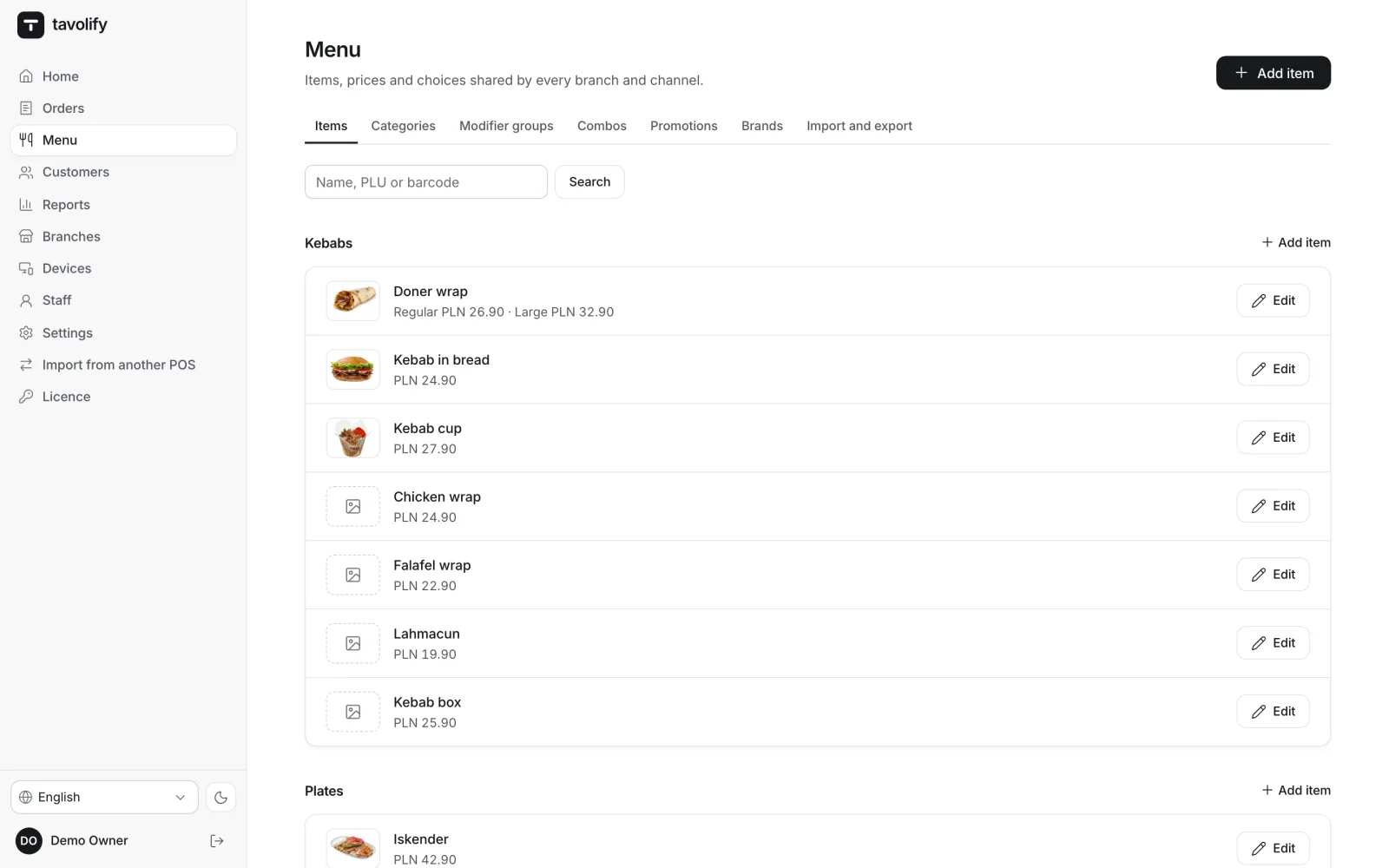
Menu from a photo
A paper menu becomes items.
Upload up to 5 photos of your menu or one PDF. AI reads categories, items, sizes and prices as printed, and allergens only when the menu states them. The result goes into the normal import preview: you correct it, and only then save.
- Up to 5 photos or a PDF
- Prices as printed
- Allergens never guessed
- Preview before saving
Day summary
A short comment on yesterday’s numbers.
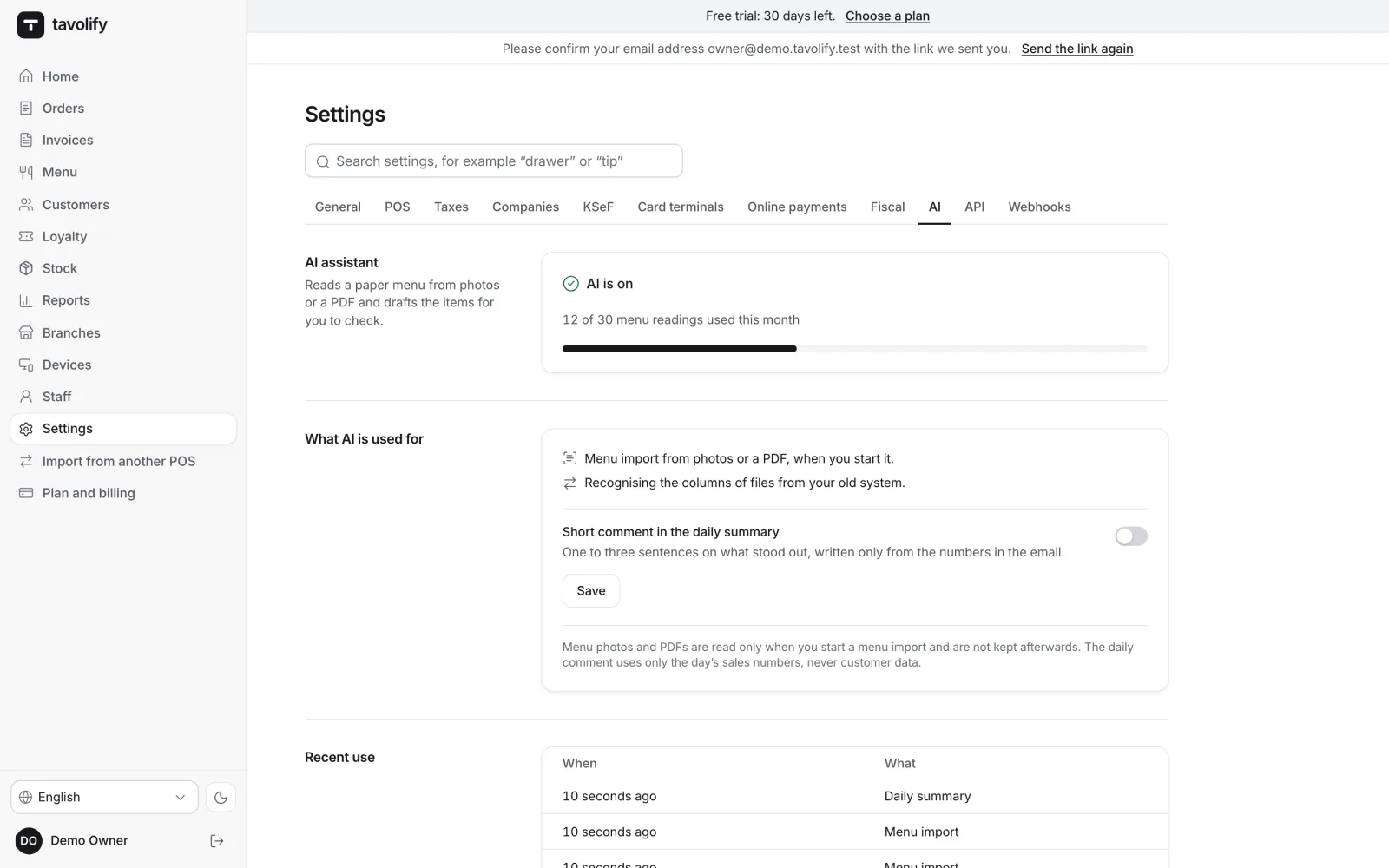
Once switched on in settings, AI adds one to three sentences to the morning email, for example which product sold best and how the day compared with the same weekday over the previous four weeks. Every number in the comment must come from figures the system worked out. If one does not, the comment is not sent.
- One to three sentences
- Only real numbers
- In the owner’s language
- You switch it on
Included in your plan
Included in the plan, nothing to set up.
AI is in every plan with a monthly allowance of menu readings: 3 in Start, 30 in Pro, 100 in Multi. You see how many are left, in plain numbers. There is nothing to connect and no key to enter; the comment in the daily summary is included too. Without AI, everything else works the same.
- In every plan
- 3, 30 or 100 readings a month
- Nothing to set up
- Numbers, not costs
Helpful, and kept in check.
-
You check first
Every AI result opens as a preview you can correct. Nothing saves by itself.
-
Nothing to connect
No account and no key to enter: the assistant is part of the plan.
-
No surprise bills
The allowance is fixed for the month; when it is used, AI waits for the 1st. Nothing is charged extra.
-
In your language
The comment on the results comes in the owner’s language.
-
Help when switching
For unusual files from your old system, AI suggests the column mapping, seeing only the headers and 3 rows.
-
Works without AI
The till, kitchen, reports and orders work fully without the assistant.
Works well with
Run your venue on Tavolify this week.
Create an account, add your menu and connect your hardware. Or we show you the system with your own menu.
Free trial, no card needed.