Online ordering
Your ordering page. Your guests.
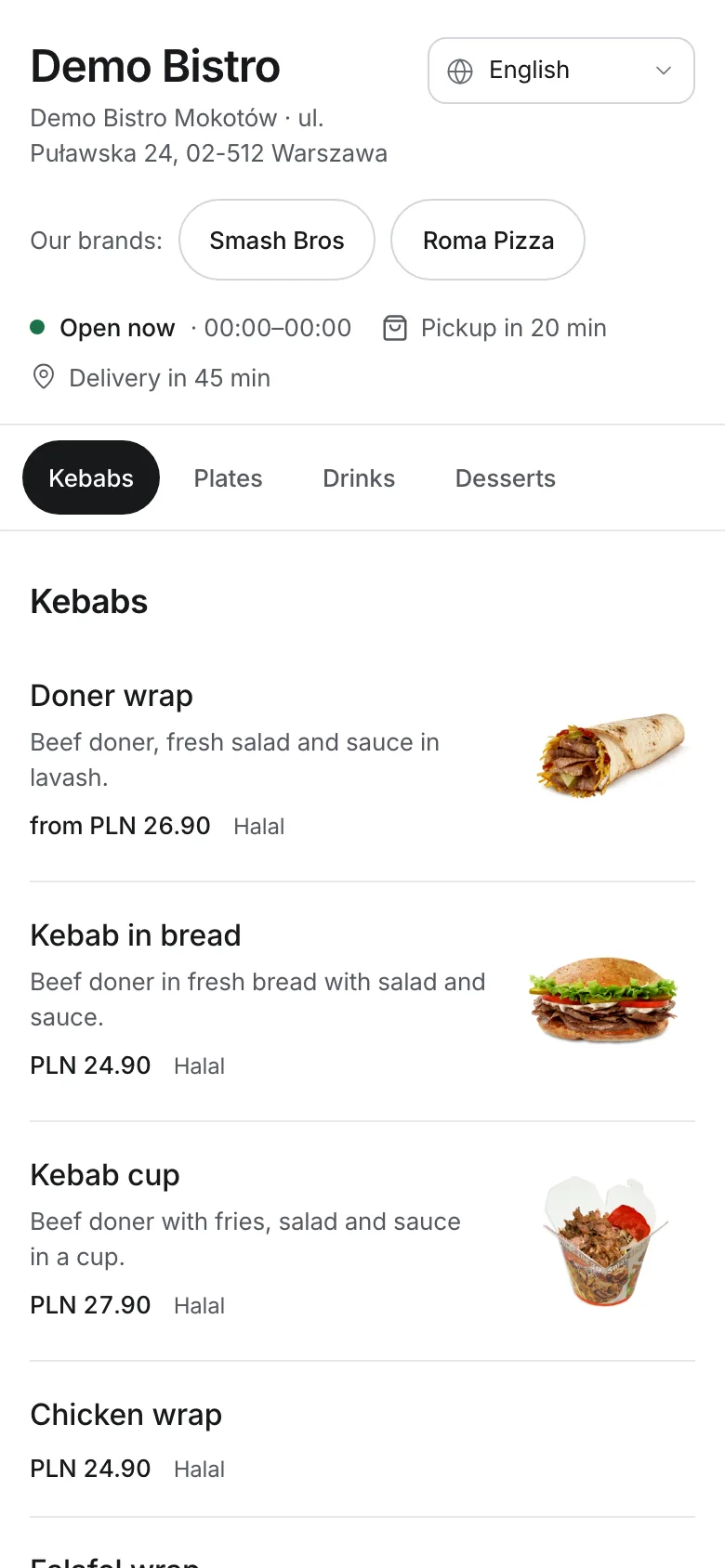
Every branch gets its own ordering page with pickup and delivery. The order lands on the till, you accept it with a ready time, and the guest follows the status on their phone.
Hours and times
Now or later.
Set the opening hours, up to two windows a day, and the preparation time for pickup and delivery. The guest picks “As soon as possible” or a time every 15 minutes, up to 14 days ahead. When the branch is closed, the guest picks a time after opening.
- Pickup and delivery
- Orders for later
- Two windows a day
- Preparation time
Delivery zones
Deliver only where you want.
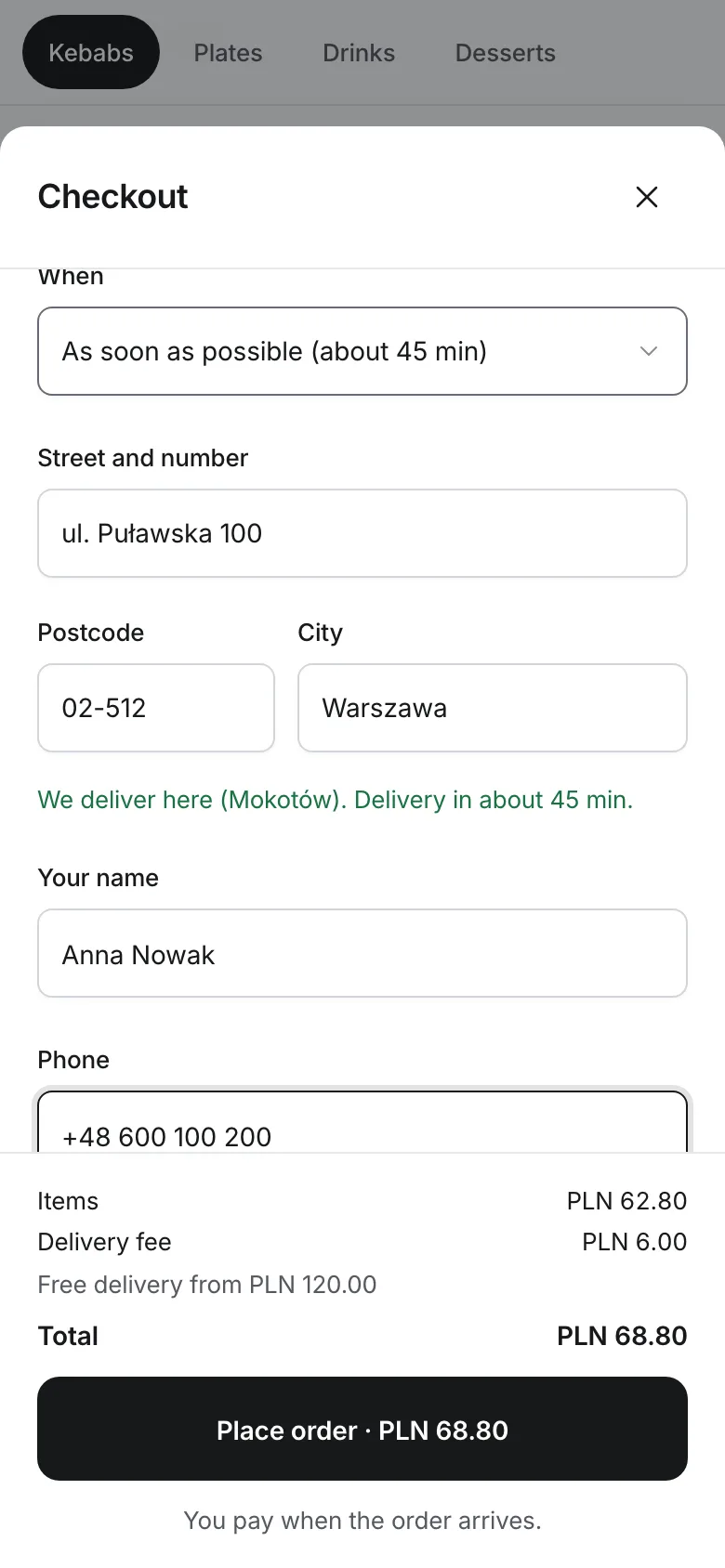
Describe a zone with postcodes, including whole ranges such as 02-5*, or with a radius around the branch. Each zone has its own delivery fee and minimum order. An address outside the zones is refused with a clear message before the guest places the order.
- Postcodes
- Radius around the branch
- Delivery fee
- Minimum order
On the till
Accept in one tap.
A new order waits on the till until you accept it with 15, 20, 30 or 45 minutes or reject it with a reason. Once accepted it goes to the kitchen, and a guest who gave an e-mail address gets a message in the language they ordered in: accepted, rejected, ready. They pay at pickup or on delivery.
- Accept with a time
- Reject with a reason
- E-mails to the guest
- Mark ready
Online orders on your terms.
-
A page per branch
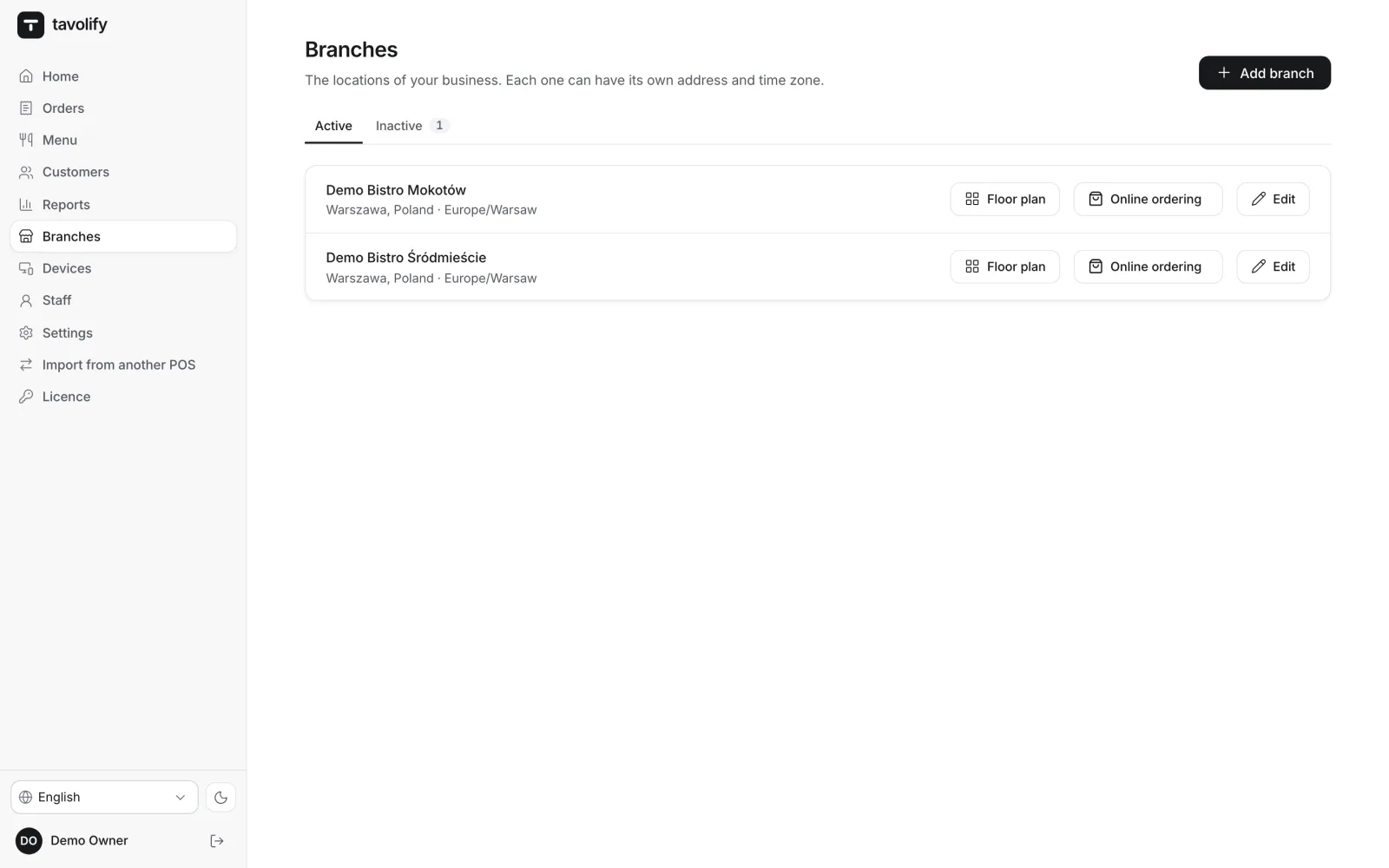
Every branch has its own page address, menu, prices and hours.
-
Several brands, one kitchen
Each brand gets its own page with its own menu, prices and colour.
-
The guest’s language
The guest picks the page language and gets e-mails in the same language.
-
Straight to the kitchen
On the kitchen display an online order carries a courier or pickup badge and can require “Seen”.
-
Orders for later
Guests pick a pickup or delivery time up to 14 days ahead.
-
Sold out disappears
An item marked sold out disappears from the page until it is back on sale.
Works well with
Run your venue on Tavolify this week.
Create an account, add your menu and connect your hardware. Or we show you the system with your own menu.
Free trial, no card needed.